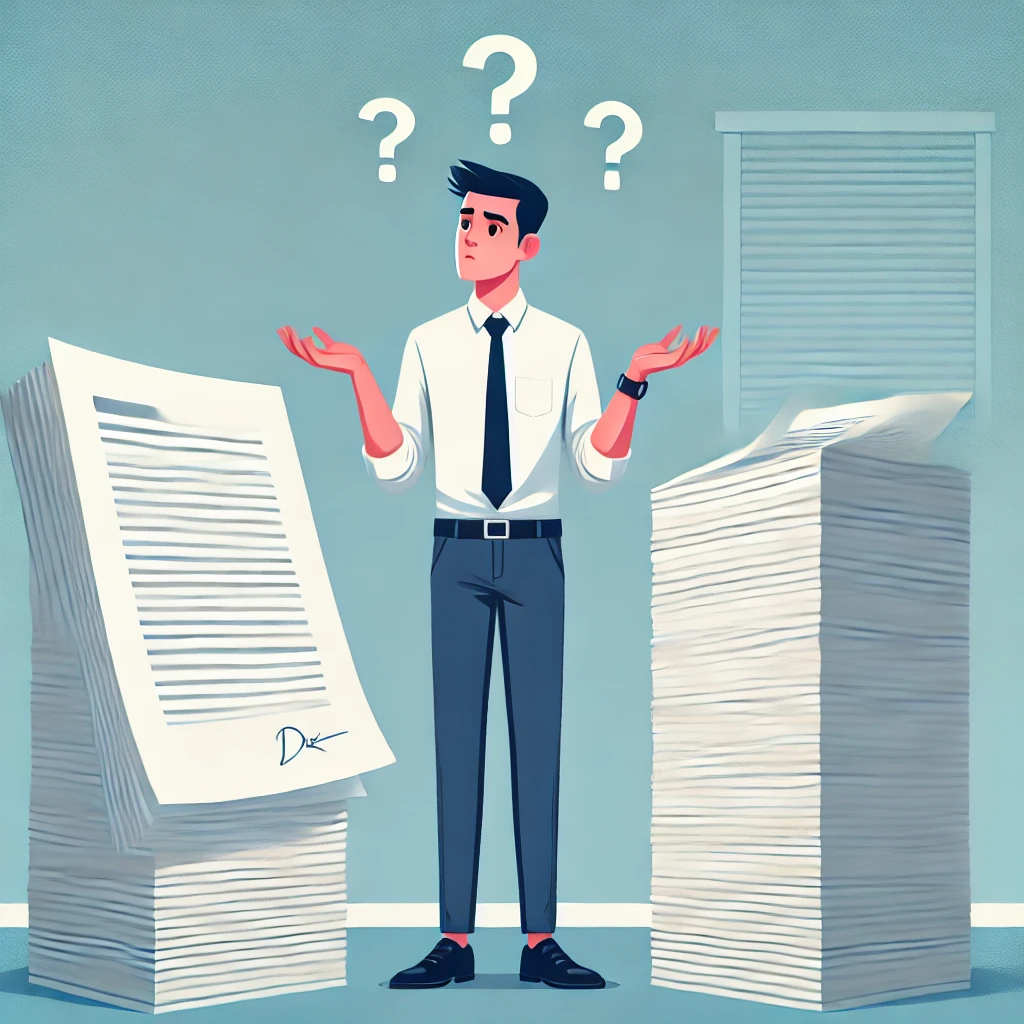

No, a resume does not always have to be one page. A one-page resume works when it gives an employer enough relevant information to understand your qualifications without making the layout crowded.
The goal is not to follow a strict page-count rule. The goal is to make your experience, skills and achievements easy to find. Some candidates can do that on one page, while others genuinely need more space.
- You are a student, recent graduate or early-career applicant.
- You have only a few positions related to the job.
- You are changing careers and much of your previous experience is unrelated.
- Your most relevant experience fits without reducing readability.
When Should a Resume Be One Page?
Use a one-page resume when it can show your most relevant qualifications clearly. The number of years you have worked can help guide the decision, but it should not be treated as a strict rule.
You Are Applying for Your First Job
One page usually provides enough room for your education, relevant skills, projects, volunteer work and any part-time or internship experience.
You Have Limited Relevant Experience
A shorter resume works when only one or two positions closely match the job. Unrelated roles can be shortened or removed.
You Are Changing Careers
One page may be enough when you need to highlight transferable skills and only a small part of your previous work applies to the new field.
Your Career Story Is Focused
Even an experienced professional can use one page if the most relevant roles, achievements and skills fit without leaving out useful evidence.
The Employer Requests One Page
Follow the application instructions. A stated one-page limit is a requirement, even if you would normally use a longer resume.
Your Resume Remains Easy to Read
One page is suitable when the text, margins and spacing remain comfortable. The page should not appear crowded or difficult to scan.
Use the One-Page Test
- Does the resume show that you meet the main job requirements?
- Does it include your strongest relevant achievements?
- Can an employer quickly find your experience, skills and education?
- Is the text readable without unusually small fonts or narrow margins?
- Can you remove the second page without losing important information?
What to Put on a One-Page Resume
A one-page resume needs to use space carefully. Include the sections an employer needs to understand your qualifications, then add optional information only when it supports the job application.
Contact Information
Include your name, phone number, professional email address and city and state. Add LinkedIn or a portfolio link only when it is complete and relevant.
Austin, TX · (555) 214-7803 · jordan.lee@email.com
linkedin.com/in/jordanlee
Professional Summary or Objective
Use two or three lines to introduce your relevant experience, strongest qualifications and career direction. Avoid general claims such as “hardworking professional seeking an opportunity.”
Relevant Work Experience
Work experience should normally receive the most space. Include positions that support your application and focus the bullet points on achievements rather than routine duties.
Brightline Retail · Austin, TX · 2023–Present
- Lead a 14-person service team handling more than 1,200 customer requests each month.
- Introduced response templates that reduced average resolution time by 22%.
- Trained eight new representatives on Zendesk, returns and complaint handling.
Job-Relevant Skills
Include a compact list of skills that match the position and that you can genuinely demonstrate. Specific tools and technical abilities are usually more useful than unsupported personality words.
Education
List your degree, field of study and institution. Recent graduates may place education near the top, while experienced candidates can keep it brief near the bottom.
Texas State University · 2020
One or Two Optional Sections
Add certifications, projects, volunteer work, languages, awards or publications only when they strengthen your application. You do not need every optional section on the same resume.
One-Page Resume Example
The example below combines the individual sections into one focused resume. It gives the most space to recent experience while keeping skills, education and certifications brief.
Jordan Lee
Austin, TX · (555) 214-7803 · jordan.lee@email.com · linkedin.com/in/jordanlee
Professional Summary
Customer service supervisor with 6 years of experience leading retail support teams. Managed 14 representatives and introduced service procedures that reduced average response time by 22%.
Skills
Professional Experience
- Lead a 14-person service team handling more than 1,200 customer requests each month.
- Introduced response templates that reduced average resolution time by 22%.
- Created a quality-review process that increased customer satisfaction from 88% to 94%.
- Trained eight new representatives on Zendesk, returns and complaint handling.
- Resolved phone, email and live-chat requests while maintaining a 96% quality score.
- Handled escalated returns and order problems, reducing repeat contacts by 15%.
- Recognized as Employee of the Quarter twice for customer satisfaction and reliability.
Education
Bachelor of Business Administration
Texas State University · 2020
Certifications
Zendesk Support Administrator
Salesforce Associate
Why This Example Works
- The target position is clear immediately.
- The summary includes experience, team size and a measurable result.
- The most recent job receives more detail than the earlier position.
- The skills match the candidate’s customer service experience.
- Education and certifications remain visible without taking excessive space.
Replace the sample names, results and qualifications with information that accurately reflects your own experience.
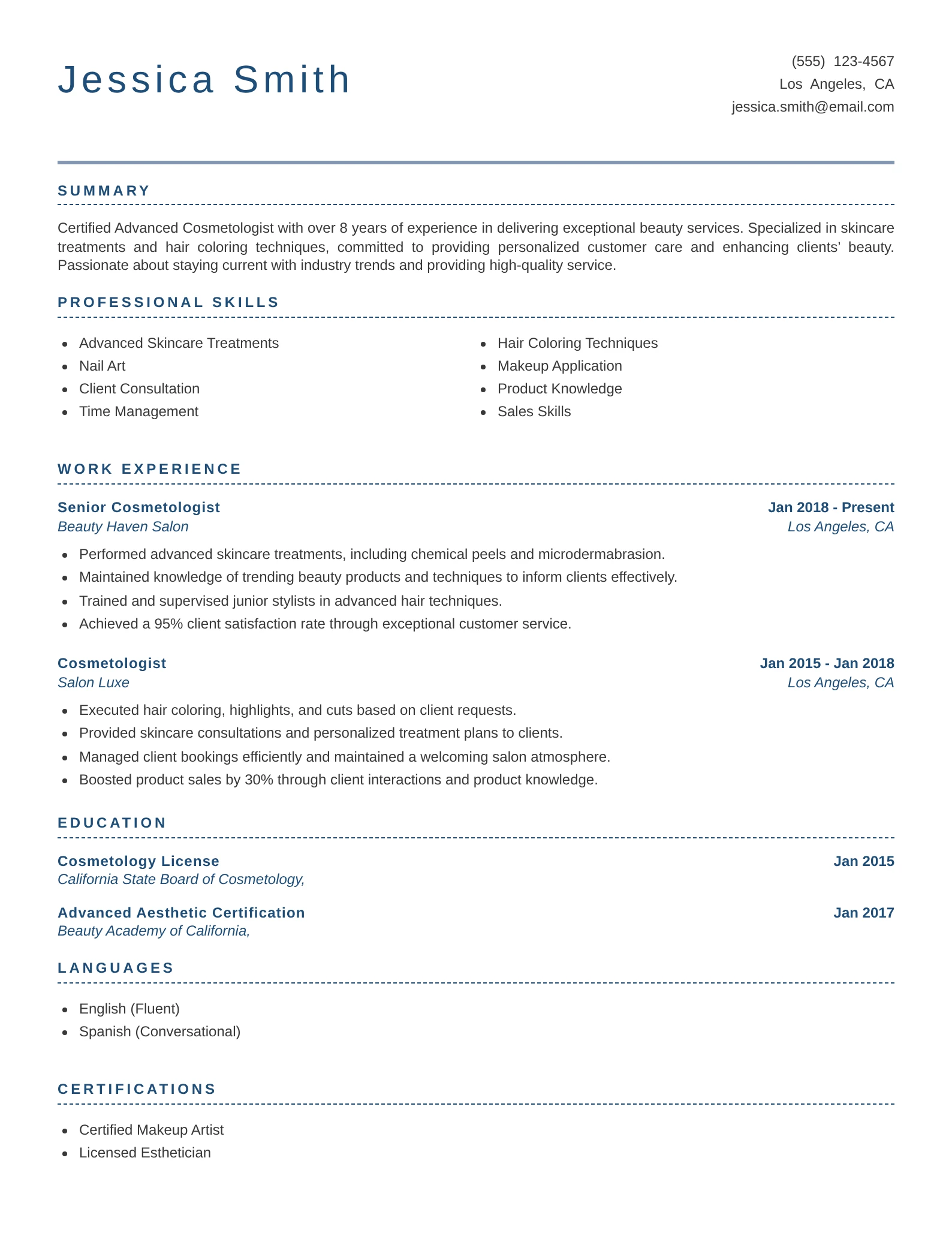
One-Page Resume Template
This template shows how the main resume sections can fit on one page without making the text crowded. Use the structure as a guide, but adjust the amount of space given to each section according to your experience.
How to Use This Template
How to Fit a Resume on One Page
Start by improving the content. Formatting changes should come later, after you have removed information that does not help your application.
Choose Information for the Target Job
Compare your resume with the job description. Keep experience, skills and qualifications that show you can perform that specific role.
Shorten Older or Unrelated Jobs
Give recent and relevant positions the most detail. Older jobs can use one or two bullets, and unrelated positions may be removed when they add no useful evidence.
Remove Repeated Responsibilities
If several jobs involved the same task, you do not need to describe it under every position. Use each role to show a different skill, achievement or level of responsibility.
Shorten Your Bullet Points
Remove openings such as “responsible for” and focus on the action and result. Select your strongest resume accomplishments instead of listing every duty.
Combine Short Sections
Skills, tools, languages and certifications can often be written as compact one-line lists instead of using a separate bullet for every item.
Remove Unnecessary Words
Delete filler phrases, repeated adjectives and explanations that do not change the meaning. Clear writing usually takes less space.
Fix Lines With Only One or Two Words
Look for headings or bullet points where a short phrase wraps onto another line. A small wording change can recover several lines across the resume.
Adjust the Formatting Last
After editing the content, make small changes to margins, font size and spacing. Do not make the resume difficult to read simply to keep it on one page.
Responsible for managing a team of 12 customer service representatives and ensuring that all customer questions were answered in a timely manner.
Led 12 customer service representatives and reduced average response time by 18%.
What to Leave Off Your Resume
When space is limited, remove information that does not help an employer assess your qualifications. Start with the following items.
“References Available Upon Request”
Employers already know they can request references later. Keep a separate reference list instead.
Your Full Street Address
Your city and state are normally enough for a US resume. A complete street address is rarely required during the first application stage.
Unrelated or Outdated Jobs
Remove positions that do not support your current application or provide useful career context.
Repeated Job Responsibilities
You do not need to describe the same responsibility under several positions. Use each role to show different achievements or increased responsibility.
Outdated or Basic Skills
Remove obsolete software and abilities employers already expect, such as internet browsing or basic email use.
Generic Objectives and Soft Skills
Statements such as “seeking a challenging position” and unsupported words such as “hardworking” do not explain what you offer.
High School Information
You can normally remove high school details after earning a college degree or developing substantial professional experience.
Unrelated Hobbies
Hobbies do not need space unless they demonstrate relevant knowledge, achievement, leadership or involvement.
Photographs and Personal Details
For most US applications, omit your photograph, age, marital status, religion and other personal information.
How to Format a One-Page Resume
A one-page resume should feel concise, not compressed. Use a clean layout with enough white space to separate sections and help employers find information quickly.
| Element | Recommended Format | What to Watch |
|---|---|---|
| Page size | Use US Letter size for most US applications. Use A4 when required by the country or employer. | Check that the document remains one page after changing devices or file formats. |
| Margins | Keep resume margins between 0.5 and 1 inch. | Margins below 0.5 inch can make the page crowded and may create printing problems. |
| Body font | Use a readable professional font at approximately 10 to 12 points. | Do not reduce the text below 10 points merely to keep the resume on one page. |
| Headings | Use clear headings such as Summary, Experience, Skills and Education. | Keep the heading style consistent instead of using several colors or font styles. |
| Layout | A simple single-column layout is the easiest to read and gives the content a clear order. | Complicated columns, text boxes and graphics can reduce readability. |
| Spacing | Use consistent spacing between headings, job entries and bullet points. | Remove excessive blank space before tightening every line on the page. |
| Bullet points | Use short bullets that normally take one or two lines. | Long paragraphs make achievements difficult to find and consume unnecessary space. |
| Dates | Use one date format throughout the resume, such as “Jan 2023–Present.” | Align dates consistently so employers can follow your work history quickly. |
| File type | Use the file type requested in the job posting. A PDF usually preserves the layout when it is accepted. | Open the final file and confirm that no section has moved onto a second page. |
Format the Resume in This Order
- Remove irrelevant or repetitive content.
- Shorten long bullet points and section descriptions.
- Remove excessive spacing.
- Adjust margins within the recommended range.
- Reduce the font size only if the text remains easy to read.
Can ATS Read a One-Page Resume?
A one-page resume automatically performs better in applicant tracking systems.
The system needs to identify your contact details, experience, skills, education and relevant job keywords correctly.
Use these guidelines to make your one-page resume easier for applicant tracking systems to process:
- Use standard section headings. Choose labels such as Professional Summary, Work Experience, Skills and Education.
- Keep a clear reading order. Arrange information from top to bottom without overlapping columns or disconnected text boxes.
- Use job keywords naturally. Include terms from the job description only where they accurately describe your experience and skills.
- Keep essential information as text. Do not place job titles, dates, skills or contact details inside images, charts or decorative graphics.
- Do not rely on headers and footers. Some systems may not capture information placed there. Keep important details in the main document body.
- Follow the requested file type. Submit a PDF or Word document according to the instructions in the job posting.
For more detailed guidance on section headings, keywords and readable layouts, see our ATS resume guide.
One-Page Resume Mistakes
A one-page resume should be focused and readable. Here is what commonly goes wrong and how to correct it.
Using Tiny Text
Reducing the font until everything fits makes the resume difficult to read.
Remove weak, repeated or unrelated content before reducing the font size.
Using Extremely Narrow Margins
Text placed too close to the page edge looks crowded and may be cut off when printed.
Keep margins at 0.5 inch or larger and use the available space consistently.
Removing Strong Achievements
Deleting relevant results solely to meet a one-page limit can weaken your application.
Remove unrelated duties and older details before cutting evidence that matches the job.
Listing Only Job Duties
Routine responsibilities do not show what you achieved or how well you performed.
Write concise bullet points that combine an action with a measurable or useful result.
Adding Too Many Sections
Separate sections for hobbies, awards, projects, languages and volunteer work can crowd the page.
Select only the optional sections that provide useful evidence for the target position.
Using a Complicated Design
Multiple columns, charts, icons and decorative elements can make the reading order unclear.
Use a simple layout with clear headings and a logical top-to-bottom structure.
Sending the Same Resume Everywhere
A generic one-page resume may be concise but still miss the qualifications required for the job.
Adjust the summary, skills and experience bullets for each target position.
Not Checking the Final File
Export changes can move one heading or line onto a second page without you noticing.
Open the exact PDF or Word document you plan to submit and review every section.
Frequently Asked Questions
Does a resume have to be one page?
No. A resume does not have to be one page unless the employer specifically requests it. Use one page when it presents your relevant qualifications clearly without removing important information or making the layout difficult to read.
Is a one-page resume still the standard?
A one-page resume remains common for students, recent graduates and early-career applicants. However, two pages are also acceptable when an experienced candidate has enough relevant information to justify the additional space.
Can an experienced professional use a one-page resume?
Yes. An experienced professional can use one page when the resume includes the qualifications and achievements most relevant to the target position. You do not need to document every job or responsibility from your career.
Is a one-page resume better for ATS?
No. Page count alone does not make a resume more compatible with applicant tracking systems. Clear headings, readable formatting, relevant keywords and an accepted file type matter more.
What font size should a one-page resume use?
Use approximately 10 to 12 points for the main text. Your name and section headings can be larger. Do not reduce the body text below 10 points simply to keep the document on one page.
Should an engineering resume be one page?
An engineering resume can be one page when the candidate has limited relevant experience or only a few projects to present. Experienced engineers may need two pages to include important technical projects, certifications, tools and measurable results.
How many jobs should appear on a one-page resume?
There is no fixed number. Include the positions that best support the application. Two or three relevant roles often provide enough context, but the right number depends on your work history and target job.
What should I do if my resume is slightly longer than one page?
First remove repeated duties, unrelated information and unnecessary wording. Then adjust excessive spacing and margins. If important qualifications still do not fit comfortably, use a two-page resume when the employer allows it.
Should a college student’s resume always be one page?
Most college students can present their education, skills, internships, projects and activities on one page. A second page may be justified when the student has substantial relevant research, publications, military service or professional experience.